
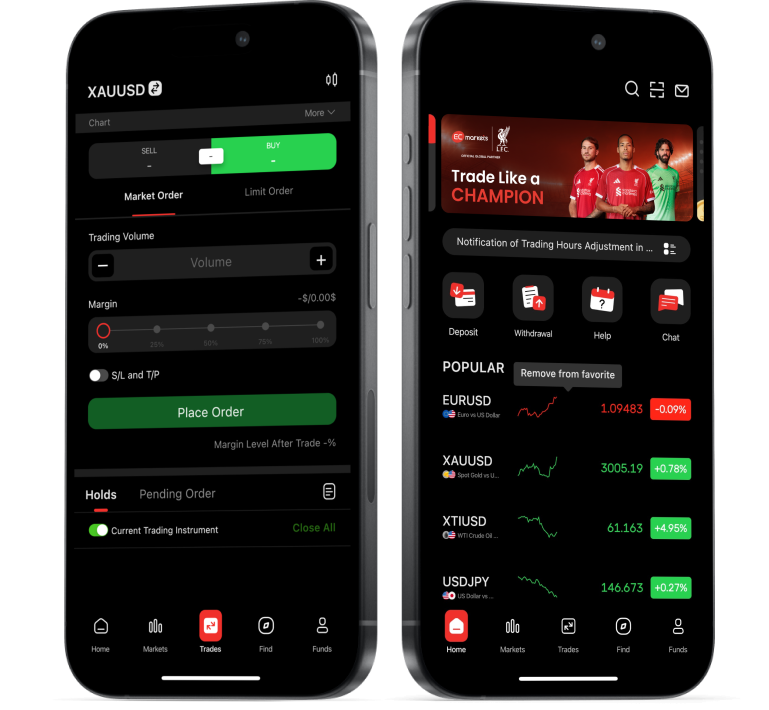




How to Use a Trading App: A Beginner's Guide


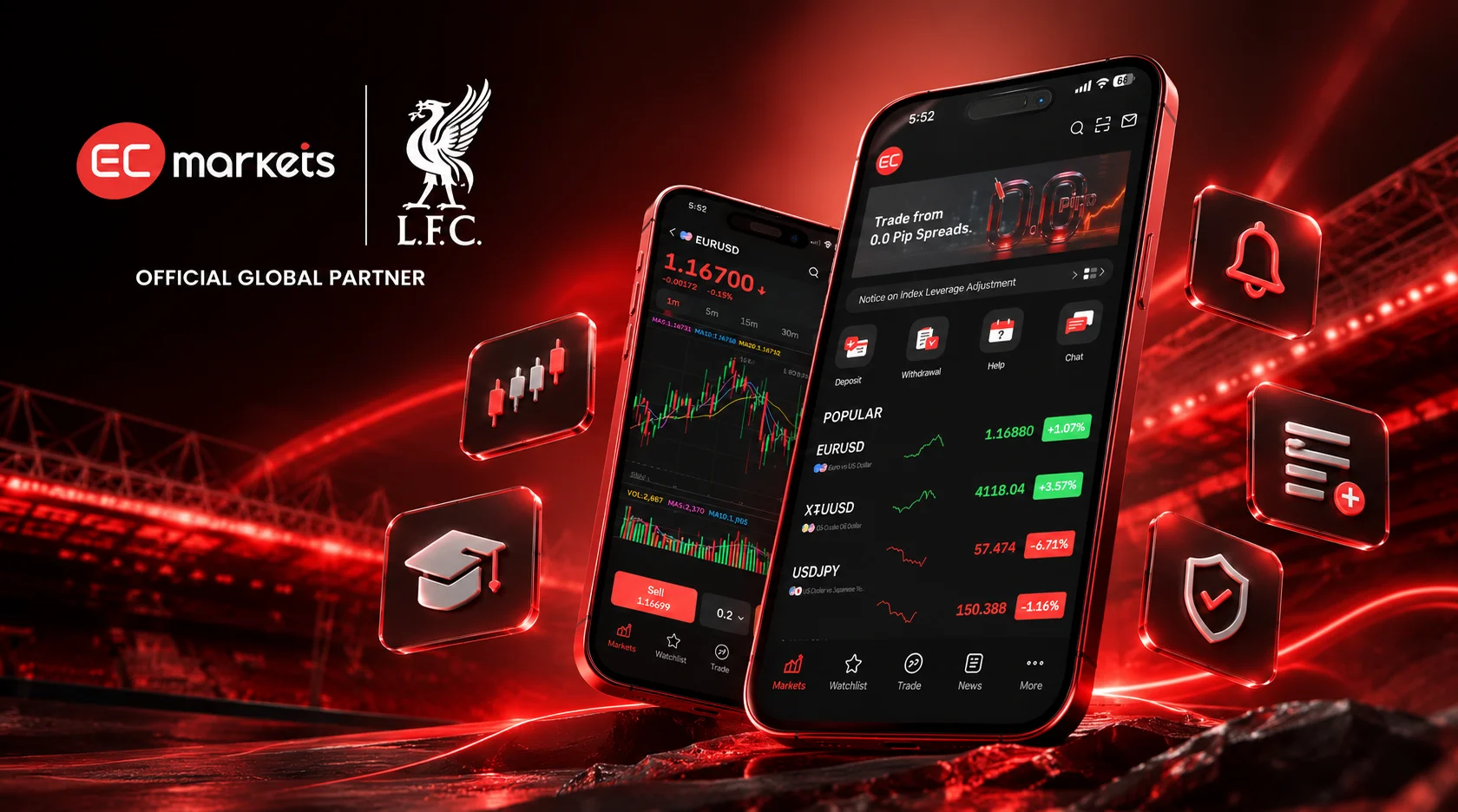
New to trading apps? Learn how they work, which features matter and what to understand before placing your first trade.
Imagine stepping onto a football pitch for the first time.
You know the objective. You recognise the players. You’ve watched enough matches to understand what’s happening. But knowing the game and knowing how to play it are two very different things.
Trading apps can feel much the same.
You open the app and suddenly you’re looking at live prices, charts, market movements and a long list of financial instruments. Everything is accessible, but knowing where to begin isn’t always obvious.
Just as footballers learn the fundamentals before developing more advanced tactics, understanding the basics of a trading app is an important first step.
So, where do you start?
From choosing a platform to understanding its features and managing risk, here’s what beginners need to know before placing their first trade.
Understanding Trading Apps: The Basics
A trading app is a mobile application that allows users to access financial markets through a broker or investment provider.
Depending on the platform, you can monitor prices, analyse charts, place orders and manage your account, all from a smartphone.
But not every trading app works in the same way.
Some allow you to invest directly in assets such as stocks and exchange-traded funds (ETFs), giving you ownership of the underlying investment. Others provide access to derivatives such as contracts for difference (CFDs), where you speculate on price movements without owning the underlying asset.
CFDs often involve leverage, allowing traders to control a larger position with a smaller initial margin. While this increases market exposure, it also magnifies potential losses, making CFDs complex, high-risk products that are generally unsuitable for inexperienced traders.
Understanding which products an app offers, and the risks involved, is essential before opening an account.
Choosing the Right Trading App
With so many platforms available, it’s easy to focus on the number of markets, tools or features advertised.
But for beginners, a good starting point is finding an app that’s clear, secure and suited to the products you want to access.
Here are four things worth checking.
1. Regulation and security
Check which company operates the app, where it’s regulated and what protections apply to your account. Look for secure login options and additional authentication measures where available. Remember, regulation does not eliminate trading risk or guarantee protection against losses.
2. Ease of use
Can you find market prices, account information and open positions without navigating through multiple menus? A clear interface makes it easier to understand the information presented and review actions before confirming them.
3. Trading costs
Understand the charges associated with your account. Depending on the provider and product, these may include spreads, commissions, overnight financing fees and currency conversion charges. Low advertised fees don’t necessarily mean low overall costs.
4. Educational resources
Look for tutorials, articles, market explanations and, where available, demo accounts. These can help you understand the platform and practise navigating its features before considering live trading.
The goal isn’t to find an app with the most features. It’s to understand which tools you need and how they work.
Getting Familiar with Your Trading App
Once you’ve chosen a platform and completed the necessary registration and verification steps, take some time to explore it.
You don’t need to understand every technical indicator or market instrument on day one. Start with the essentials.
Charts: Understanding Price Movements
Charts show how an instrument’s price has changed over time.
You can typically switch between different timeframes, such as one hour, one day or one week, to examine price movements from different perspectives.
Candlestick charts are particularly common. Each candle represents four prices within a selected period: the opening price, highest price, lowest price and closing price.
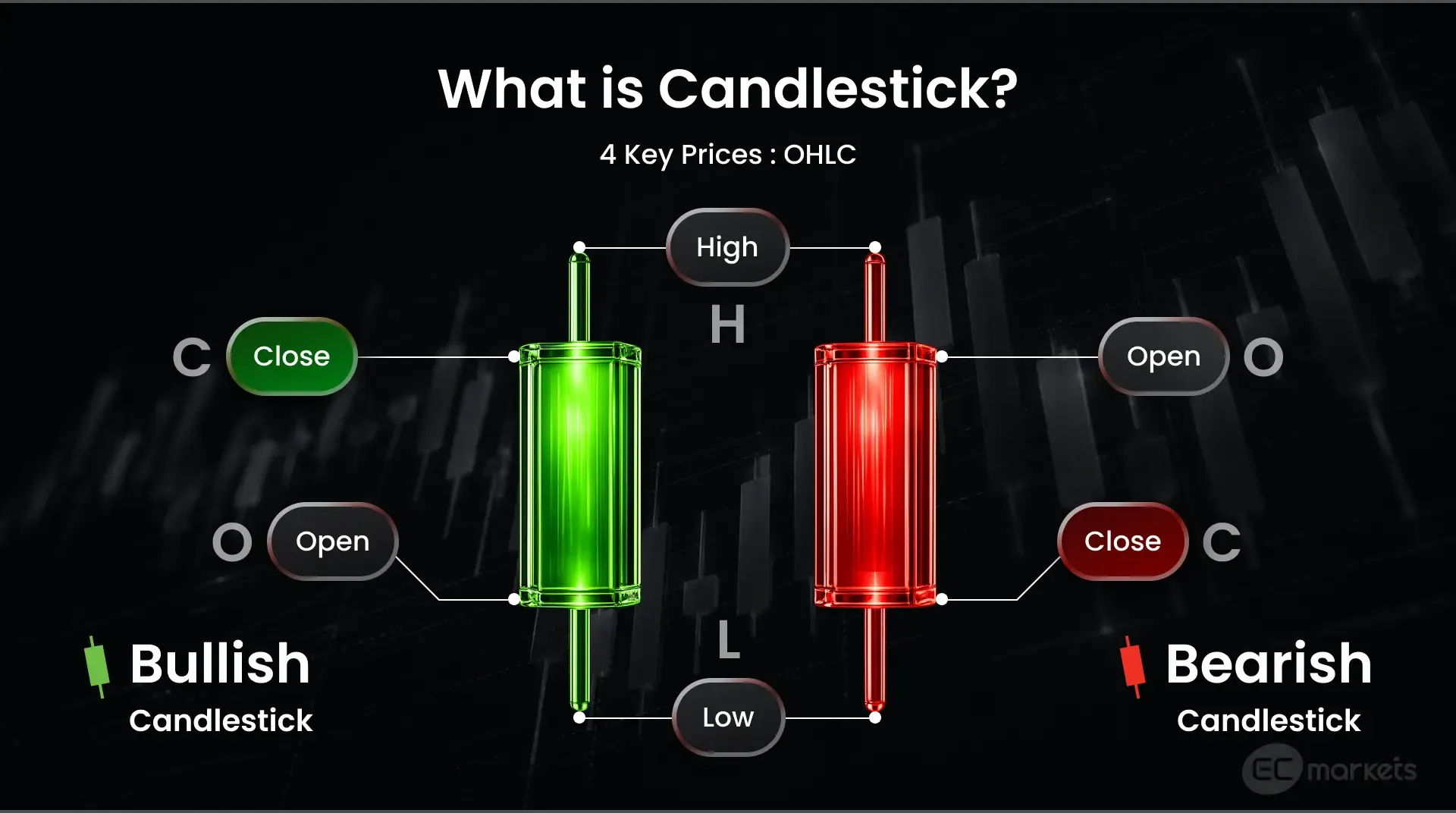
How to read a candlestick: Each candle shows the opening, highest, lowest and closing prices within a selected timeframe.
For a closer look at how candlesticks work and what different patterns can indicate, explore our guide to candlestick patterns.
Watchlists: Keeping Track of Markets
A watchlist lets you save instruments you’re interested in following.
Rather than searching through hundreds of available markets, you can organise selected currency pairs, commodities, shares or indices in one place, depending on what your platform offers.
It’s a simple way to become familiar with price movements without needing to place a trade.
Price Alerts: Staying Informed
Price alerts notify you when an instrument reaches a selected level or meets certain conditions.
For example, you might want to know when gold reaches a particular price without checking the chart throughout the day.
Alerts can help with market monitoring, but they don’t predict what prices will do next.
Order Types: Understanding Buy and Sell Instructions
Before placing a trade, it’s important to understand the instructions you’re giving the platform.
- Market order: An instruction to buy or sell at the available market price. The final execution price may differ from the price displayed when you submit the order.
- Limit order: An instruction to buy or sell at a specified price or better. Execution is not guaranteed.
- Stop-loss order: An instruction designed to close a position when a specified price level is reached. It can help manage risk, but the execution price isn’t guaranteed.
Order availability and execution conditions vary by platform and product.
Understanding these basic functions gives you a foundation for navigating an app without immediately committing funds to the market.
Understanding Risk Before You Trade
Trading apps have made financial markets more accessible, but the risks haven’t disappeared.
In fact, being able to open and manage positions from your phone makes it particularly important to understand your exposure before placing a trade.
Know what you’re risking. Consider the amount you could lose on a position, not just the amount required to open it. With leveraged products, relatively small price movements can produce substantial losses.
Understand your orders. Stop-loss orders can help manage exposure, but volatile markets and price gaps may result in execution at a different price from the one requested.
Avoid reacting to every market movement. Frequent notifications and constantly changing prices can encourage impulsive decisions. Not every movement represents a trading opportunity.
Use information carefully. Charts, technical indicators, market news and AI-powered insights can support analysis, but none can guarantee future price movements.
And remember, learning to navigate a trading app isn’t the same as learning how to trade. Understanding market behaviour, financial products and risk takes time.
Getting Started with the EC Markets App
Now that we’ve covered the basics, what does this look like in practice?
The EC Markets App brings trading tools, market information and account management together in one mobile environment.
Here’s how to get familiar with its main functions.
1. Download and Set Up Your Account
Download the app through an official EC Markets channel and follow the registration process.
Complete any required identity verification, review the available account options and familiarise yourself with the trading conditions that apply.
2. Explore Markets and Charts
Browse the available financial instruments and select a market to view its price chart.
Explore different timeframes, review historical price movements and become familiar with the charting tools before considering a position.
3. Organise Your Watchlists and Alerts
Create a watchlist to keep selected markets accessible in one place.
You can also set personalised price alerts to receive notifications when specified market conditions are met, reducing the need to monitor charts continuously.
4. Explore Market Insights
EC Insights, powered by Acuity Trading, provides access to market intelligence tools, including economic events, market sentiment, trade ideas and news analysis.
These resources can provide additional context when researching markets, although they should not be treated as guaranteed forecasts or personalised trading recommendations.
5. Review Account Management and Funding
Explore the account-management section to understand how to access trading accounts, review account activity and manage deposits and withdrawals.
Before funding an account or placing a trade, check the applicable conditions, costs and risks.
See the EC Markets App in Action
From account setup and market analysis to watchlists and account management, see how to navigate the app’s key features.
[INSERT CAMPAIGN VIDEO]
The Bottom Line
Getting started with a trading app doesn’t mean learning every feature at once.
Start with the fundamentals: understand the products available, check the platform’s trading conditions, learn how charts and orders work, and recognise the risks before placing a trade.
Just as knowing the rules of football doesn’t automatically make someone a skilled player, knowing your way around a trading app doesn’t guarantee good trading decisions.
The technology can make market information and trading functions easier to access. What matters is understanding how to use them responsibly.
For those looking to explore these tools in practice, the EC Markets App brings charting, watchlists, personalised alerts, market intelligence and account management together in one place.
Features and functionality may vary by device, operating system and app version. MT5, EC Insights and some other updates are currently only available on Android.