Best Day Trading Platform: MetaTrader 4
A trading platform is what traders use to place trades and analyse markets, which is why choosing a reliable platform is so important. As someone who is just starting out, you may be wondering "what is Metatrader 4 and is it suitable for a beginner like me?" Metatrader 4 (MT4) is often considered to be the best day trading platform by many retail traders. Despite there being newer versions available, MT4 continues to be the platform of choice for a large number of traders. But what is Metatrader 4 and why is it so widely used? This article will answer these questions and will be your guide to understanding Metatrader 4’s core functions. We will get you up to speed on the platform's key features and how to get started with an MT4 demo account. By the end you will have a basic idea of how the MT4 platform works and how well it fits your trading style.
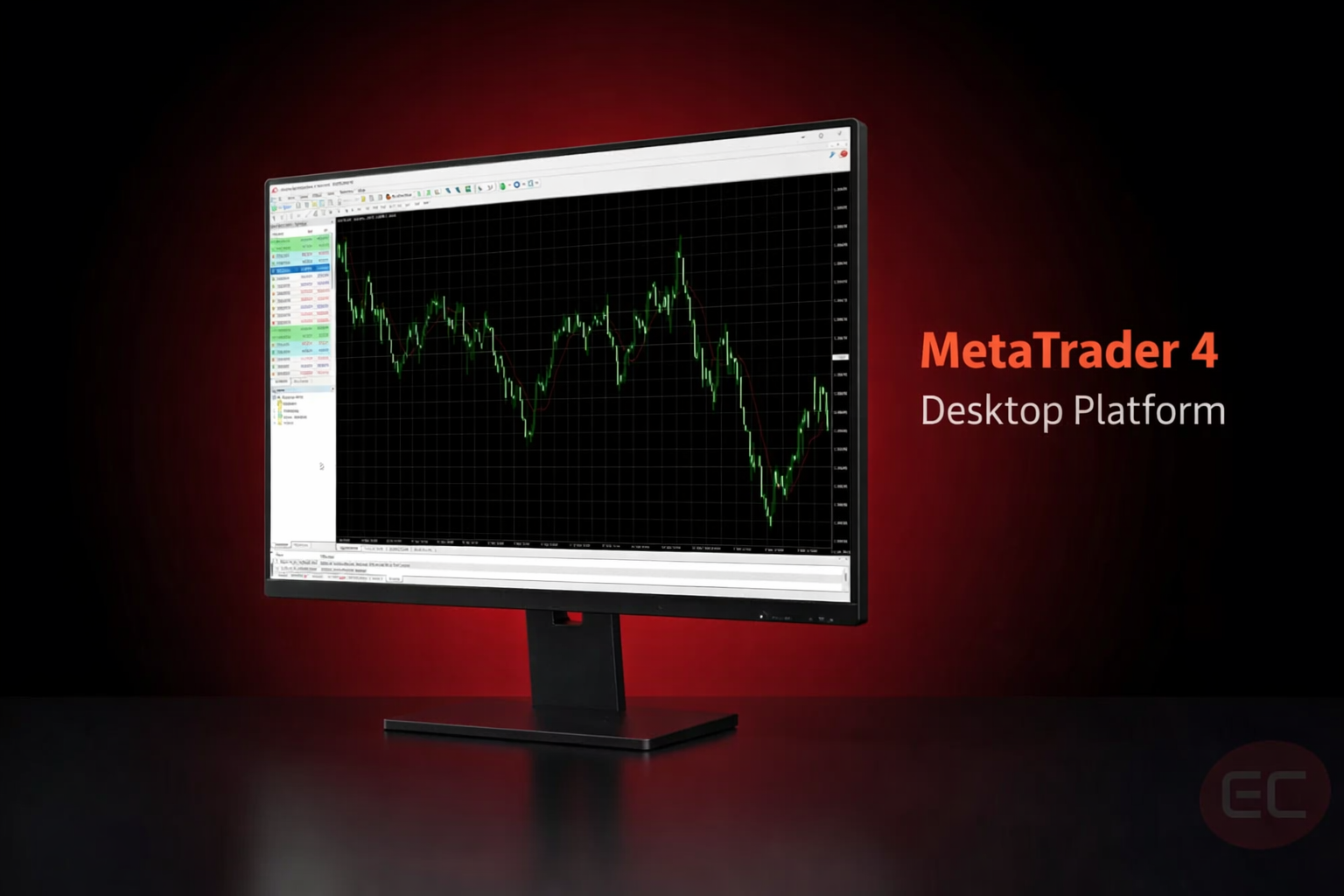
What is MetaTrader 4 (MT4)?
MetaTrader 4 is a trading platform developed by MetaQuotes Software. Since its launch in 2005, MT4 remains widely used for retail forex trading today thanks to its operational stability and robustness, as well as having an established ecosystem of custom indicators and Expert Advisors (EAs).
Why MetaTrader 4 is One of the Best Day Trading Platforms
For anyone new to trading, it is common to ask 'what is Metatrader 4 and why is it so widely used?'. It is important to understand its features that it offers so that you know what you to expect.
While newer platforms may offer more advanced features and broader functionality, MetaTrader 4 continues to stand out as a common choice for traders because of a number of popular features:
- Technical Analysis Tools
Traders who rely on technical analysis can access multiple chart types, nine different standard timeframes (from 1 minute to 1 month) and 30 built-in indicators, which are necessary for analysing price action and market trends. MT4 is well suited to traders who value price-based analysis as the platform focuses on tick volume (the number of price changes) rather than actual traded volume. - Automated Trading
Expert Advisors (EAs), also known as trading robots, can be utilised to automate trading. They can execute trades automatically based on adjustable pre-set rules. This makes it easier to stick to a strategy consistently without the need for constant manual monitoring. Additionally, it can reduce the impact of emotions on decision-making. - Stability and Performance
MT4 is widely recognised for stability as a platform and its long track record in retail trading. Although execution speed is primarily determined by the broker and connection quality, MT4 provides a reliable environment for order management and hedging strategies. - Customisable Indicators
MT4 has a built-in programming language called MetaQuotes Language 4 (MQL4) which enables platforms users to create and install a broad range of custom technical indicators. This flexibility allows traders to tailor their own charting setups beyond the built-in tools. - Risk Management Tools
Stop-loss, take-profit and trailing stop orders are some of the essential risk management tools available in MT4 to help traders manage their exposure and maintain trading discipline in order to protect their capital. - Built-in Alerts and Notifications
Metatrader 4's alert system allows traders to set up time-based reminders and custom alerts for specific price levels. These can appear in multiple ways, such as email alerts, desktop pop-ups or mobile push notifications. Alerts are great for traders who monitor multiple markets need a way to track prices so that they never miss a potential setup, especially when there are other tasks to manage.
Get Started with an MT4 Demo Account | Best Day Trading Platform
Before putting your own money at risk, it’s crucial to set up a demo account first. This is an excellent way for beginner traders wondering 'what is Metatrader 4?' to get a good feel for how to use it. On an MT4 demo account, beginners can get comfortable using the platform by practising their trading using real-time prices with virtual funds. A demo account closely mirrors a live trading account, replicating its look, feel and features. However, demo accounts do not always reflect the same executions conditions - slippage, requotes and liquidity depth can differ in a live market environment.
Here are some core points of focus for when you get started with using an MT4 demo account:
- Learn the interface at your own time and pace.
- Test your own strategies before putting them into practice.
- Get comfortable with real-time trading.
- Recognise and avoid mistakes that can put your capital at risk.
How to Set Up MetaTrader 4? | Best Day Trading Platform
Here are 5 easy steps to get your MT4 Demo Account set up and ready to go:
Step 1: Go to the MetaTrader page on your brokers’ website and download the app either on Windows, Mac, Android or iOS. For the EC Markets MT4 app, visit our MT4 page here.
Step 2: Open the MT4 Demo account either through your brokers website or from the platform directly.
Step 3: Start practicing and getting comfortable with the platform's interface. Practise by placing a few simulated trades, apply indicators, add chart templates and explore every inch of the platform. This will help you feel more comfortable with MT4 before you begin using real money.
Step 4: Put your strategy or strategies to the test and fine tune them. This is a crucial step to ensure that you have thoroughly tested your selected trading strategies before using a live account.
Step 5: Once you feel ready, open a live account! But make sure to keep your MT4 demo account active so that you can go back to test new strategies.
MT4 Tips for Traders | Best Day Trading Platform
Here are some handy trading tips to help you make the most of MT4:
- Consistency is key. Use your MT4 demo account on a daily basis until you are confident in your ability to use the features and risk management tools.
- Save custom chart templates that you create for a faster setup process.
- Set alerts for price level changes to stay informed without the need to constantly monitor your screen.
- Enable 'One-Click Trading' for efficient order execution.
- Never stop using the MT4 demo account. Demo accounts are not just for beginners. Professional traders are constantly testing new strategies and Expert Advisor (EA) behaviour. Practice makes perfect!
Common Mistakes Traders Make on Trading Platforms
Even the best day trading platforms cannot save you from bad habits. It is up to you to develop strong trading discipline. Here are some common mistakes you should avoid:
- Starting on a live trading account. You should always practise on a demo account first, before transitioning to a small live account after you have mastered your strategy.
- Excessive position sizing. Avoid doing this and always define your risk with a stop loss before entering a trade.
- Ignoring high-impact news releases and revenge trading after a loss.
- Implementing a trading strategy on a live account without rigorous backtesting and forward testing of the strategy beforehand.
MT4 Mobile Trading App | Best Day Trading Platform
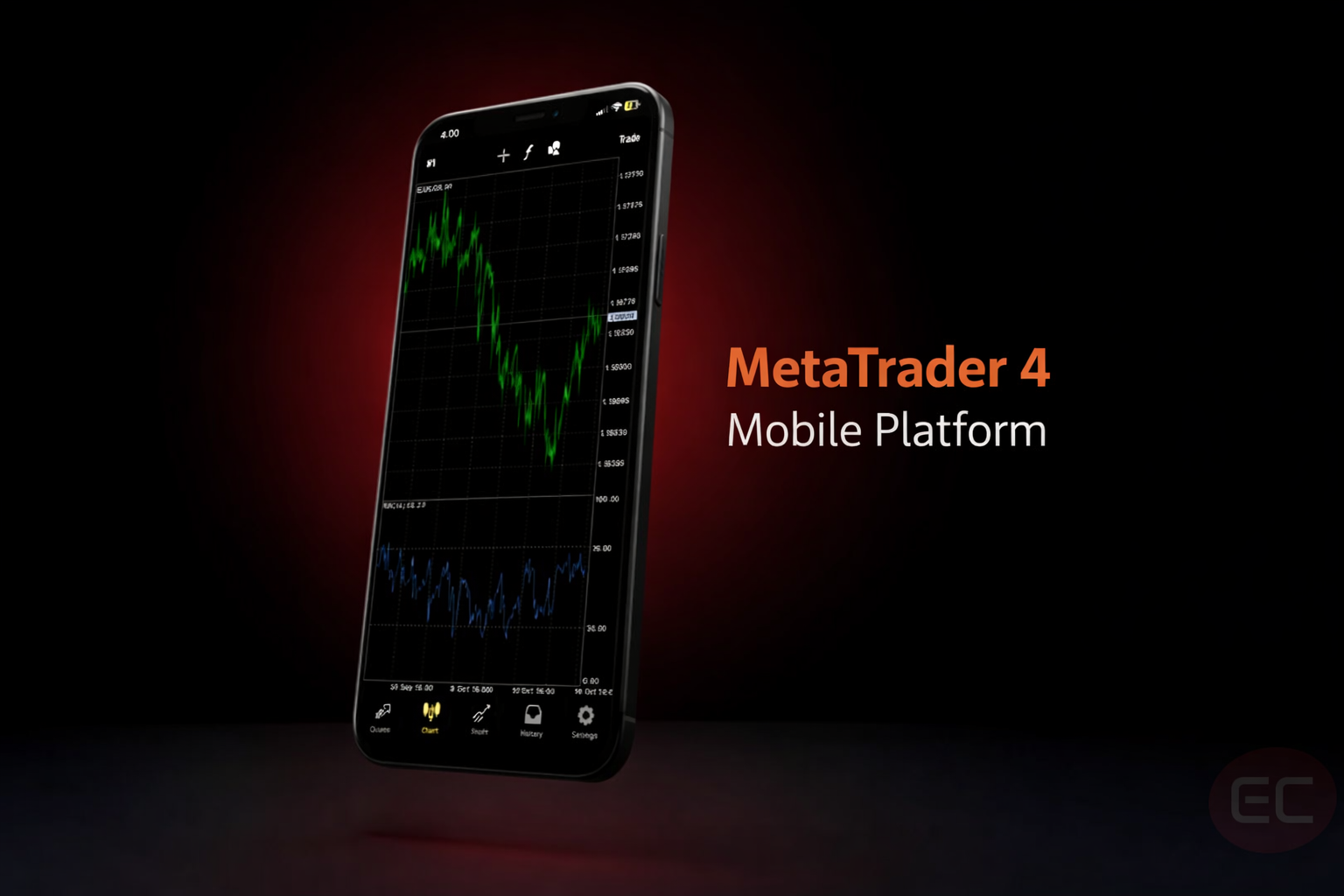
What is Metatrader 4 doing to support trading on-the-go? One of the key features of the MT4 is its user friendly mobile trading app. Metatrader 4 can be downloaded on iOS or Android for traders on the move as well as beginner traders who fancy using their MT4 demo account to get some practise in while they're away from the desktop.
What makes the MT4 mobile app one of the most widely used mobile trading apps, particularly within the retail forex market.
- User-friendly interface.
- Instant market execution.
- Synchronisation with the desktop terminal.
- Easy-to-use risk management tools.
Advanced Features of Metatrader 4 | Best Day Trading Platform
As traders improve and get more comfortable using Metatrader 4, they begin to seek additional tools to take their trading to the next level. Here are some of the advanced key features on MT4 for when you progress from being a beginner to a professional-level trader:
- Compatible with MT4 MultiTerminal, allowing you to manage multiple accounts from one interface.
- Custom plugins provided by brokers.
- Algorithmic trading (or Expert Advisors) and custom indicators through MT4's MQL4 programming language.
- Low-latency execution and Virtual Private Server (VPS) support for 24/7 trading.
The MT4 Community | Best Day Trading Platform
One of the main benefits of MT4 being such a widely used platform is that it is easy to find solutions and tutorials on how any specific feature works. There is a high chance that problems that you run into have happened to many other MT4 users in the past, and the solution to your problem has likely already been posted online. Popular trading platforms, like Metratrader 4, have enormous global communities which means there is an abundance of educational material, forums and custom indicators. Put simply, part of what makes Metatrader 4 arguably the best trading platform for many traders, especially beginners, is that there is plenty of help out there!
Final Thoughts: What is Metatrader 4 and is it Right For You?

While learning the basics, the key questions you need to be asking is 'what is Metatrader 4 and what does it allow me to do?' Understand what tools are available and relevant to you. Practise placing virtual trades and making use of the platforms functionalities on an MT4 demo account. Mistakes are inevitable. Let them happen in a practice environment and point them out as they happen, so that the same mistakes don't repeat themselves when you trade with real money. It is no secret that Metatrader 4 remains an industry standard trading platform to this day, and if you like what you've heard so far, it could be the platform for you.
Thank you for reading our article on the Best Day Trading Platform: Metatrader 4. Hopefully, you can better answer the common beginner question 'what is metatrader?' If you’re looking for more key tips and tricks to get you towards the path of becoming a successful trader, then keep reading, we’ll see you at the next course!